
Shopping · iPhone & iPad · Android phones & tablets
Discount Card Wallet: Barcodes
Scan the plastic once and leave it at home. Open a card at the checkout and the screen brightens by itself, so the scanner reads it on the first pass.
More on its own site: discountcardwallet.com
What it looks like
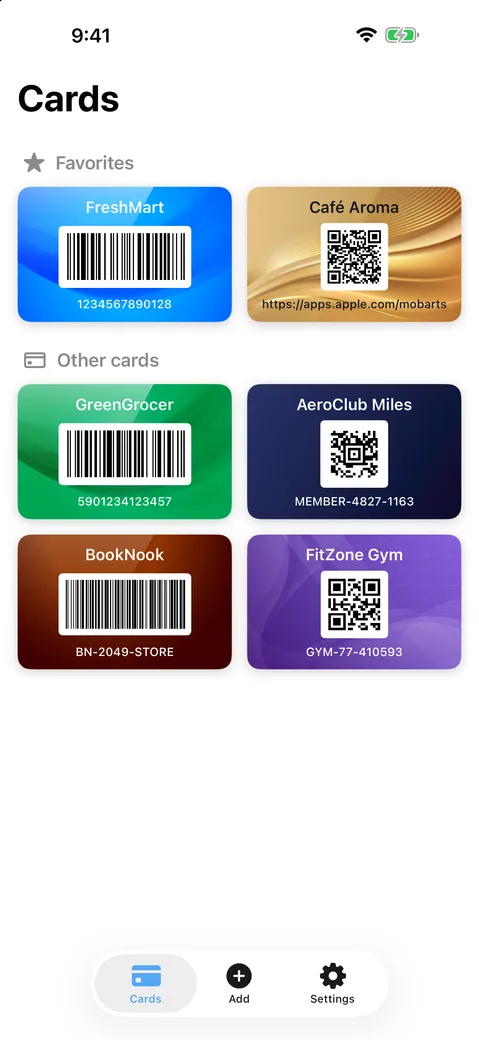
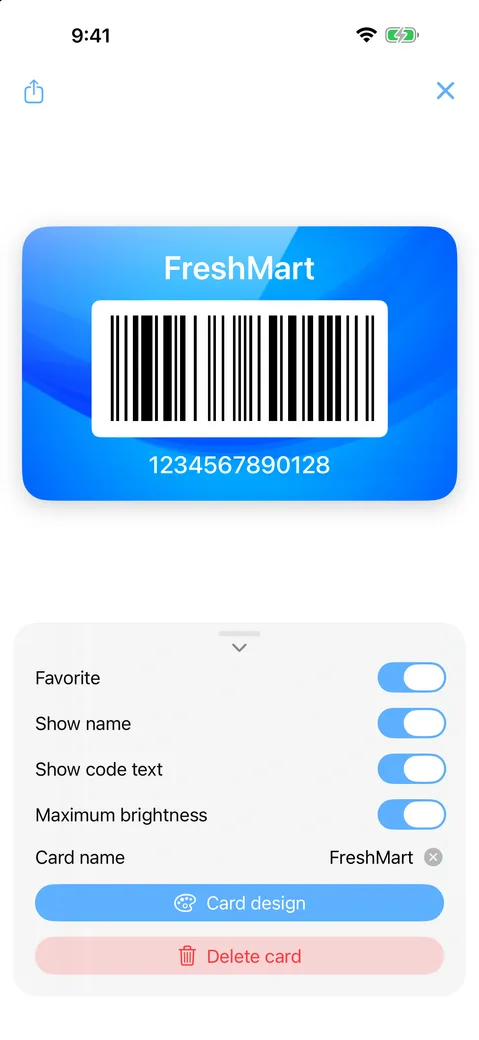
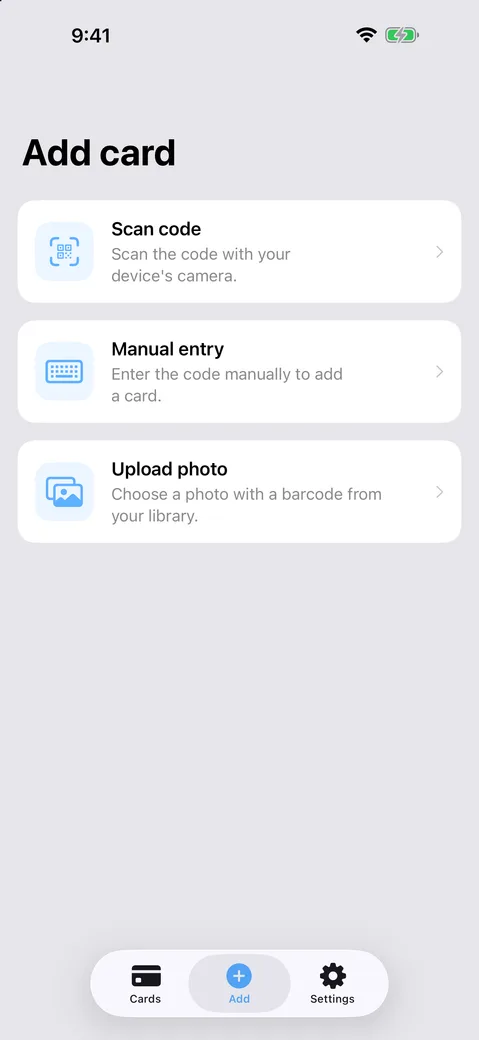
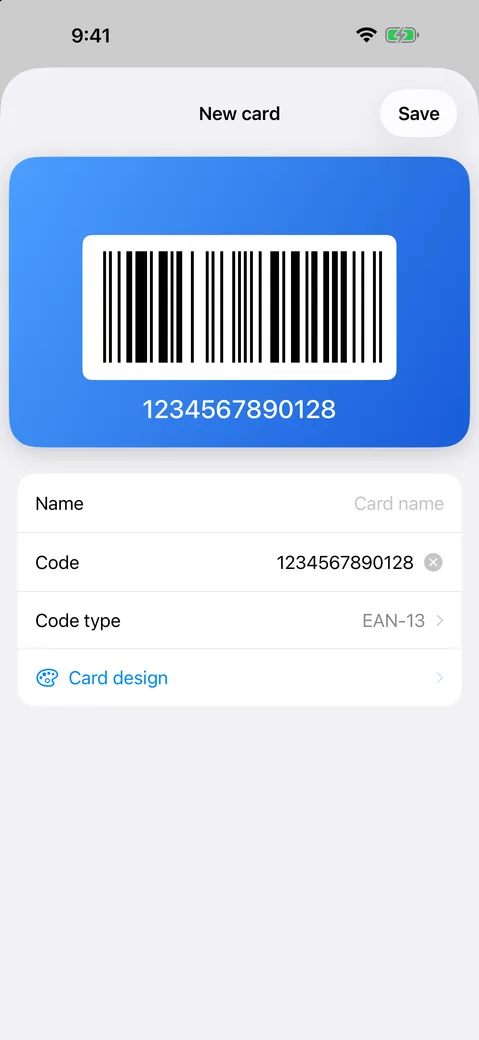
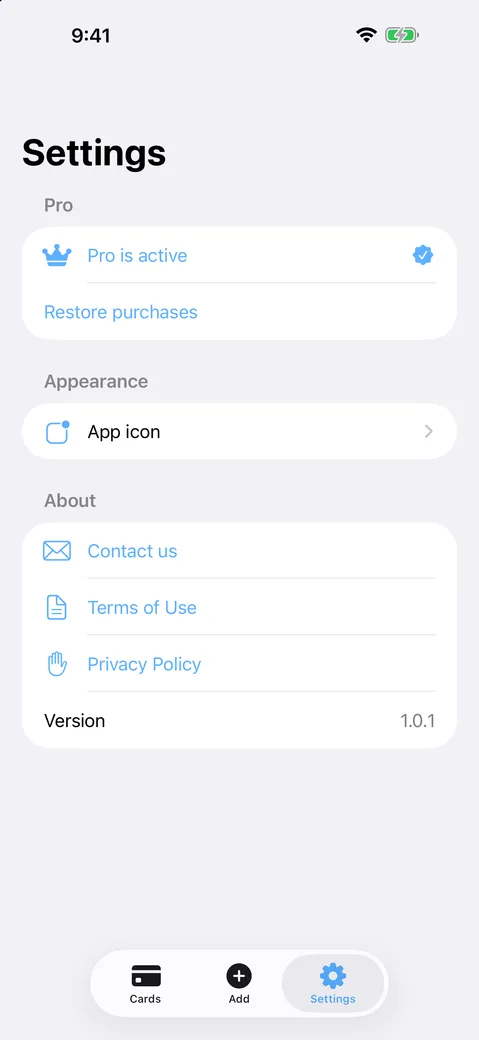
What it does
Add a card in seconds
Scan the barcode with the camera, pick one out of a photo, or type the number in by hand when the print has worn off.
Twelve code formats
QR, EAN-13, EAN-8, Code 128, Code 39, Code 93, Aztec, PDF417, UPC-E, ITF-14 and more — enough for practically any loyalty programme.
Recognisable at a glance
Give each card its own colour or background, so the right one is the one you reach for while the queue moves.
No account, no ads
Cards live on your device — kept in step through your own iCloud on iPhone and iPad, and carried to a new phone by your Google backup on Android. Nothing is sent to us.
The details
- Category
- Shopping
- Platforms
- iPhone & iPad, Android phones & tablets
- Requires on iOS
- 17.0 or later
- Languages
- 15
- First released
- 2025
Get it
Legal
Something not working? Write to us — the same person who wrote the app answers. Contact us.